THE PREMIER TOOL FOR AEROMECHANICAL AND
STRUCTURAL ANALYSIS
Relied upon by major OEM’s across the globe, APEX DX stands out as the leading tool for durability, high-cycle fatigue, and vibrational post-test analysis in aerospace and power generation markets. With specialized analysis, intuitive interfaces, formatted reporting, accelerated processing, and reusable batch tooling, DX enables engineering success with speed and efficiency.
EVERY IMPORTANT VIBRATIONAL RESPONSE FOR
EVERY SIGNAL, EVERY TIME
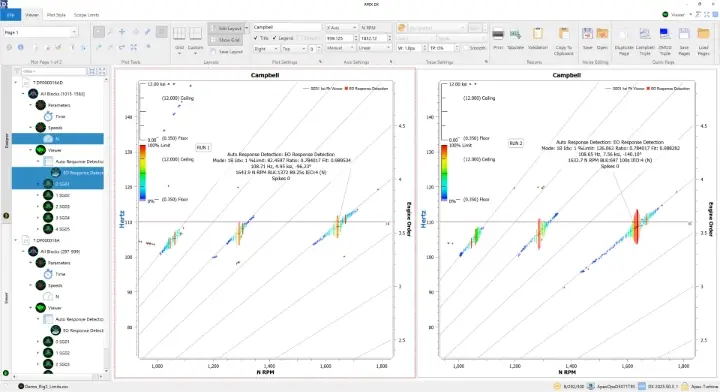
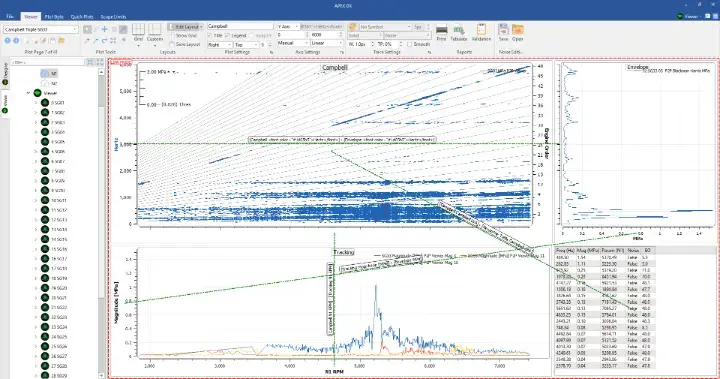
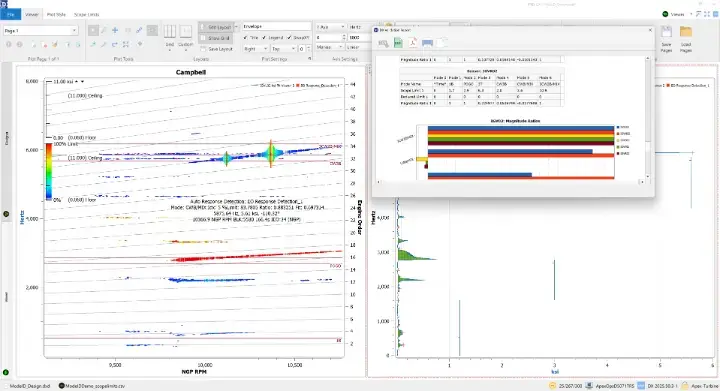
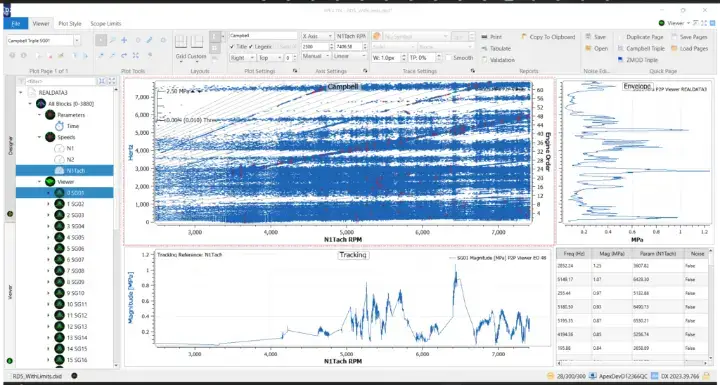
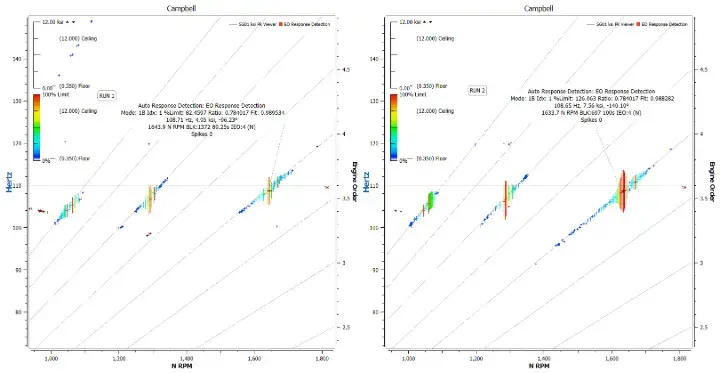
Using the powerful Automatic Response Detection processing elements, engineers can instantly see all major responses inside the Campbell space, filtered by largest response, grid spaces, or along engine orders. These responses can then be organized by limit, mode, engine speed, and over 50 other parameters to create a complete Aeromechanical profile of a part or system across operating conditions. This eliminates the time consuming traditional “hunt for the highest” methodology and enables engineers to get the data they need for trending and certification instantly. Collected peaks can be viewed directly on Campbell diagrams, tables within DX, or exported to CSV files for further post-processing. Click the elements below to learn more.
Largest Response Detection
Collects only the N largest peaks on every channel in the design.
Grid Response Detection
Collects a single peak inside of each space of a MxN grid for every channel in the design. X axis grid spacing can be set to regular intervals by rotor speed, time, or other facility parameters. Y axis grid spacing can be set by regular frequency intervals, or by mode lines.
EO Response Detection
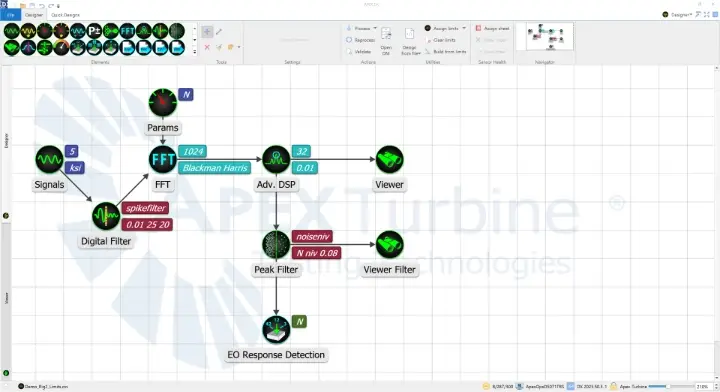
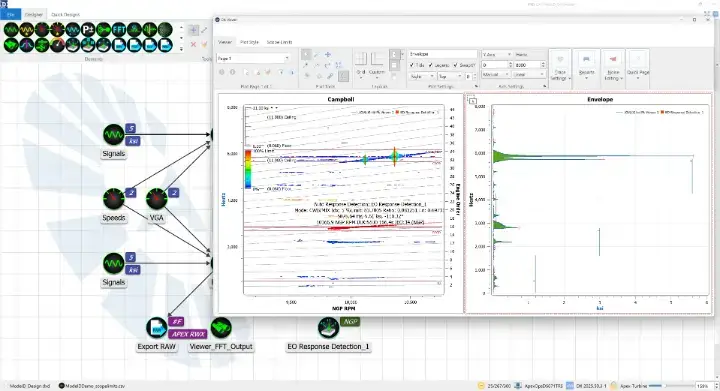
Collects a selected number of peaks along each specified engine order line. Can be set up to collect the largest peaks at intersecting engine order and mode locations.
FAST PROCESSING, INSTANT PLOTTING.
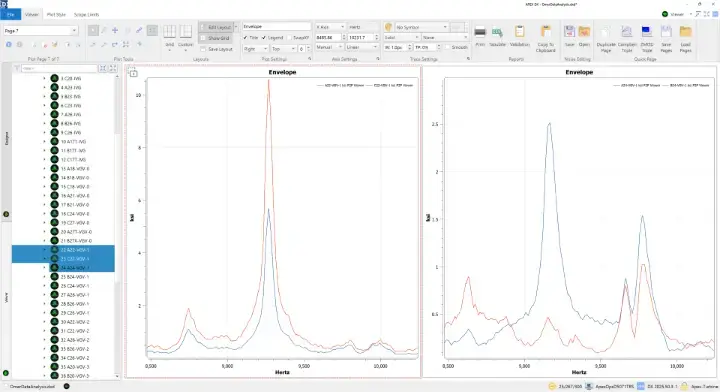
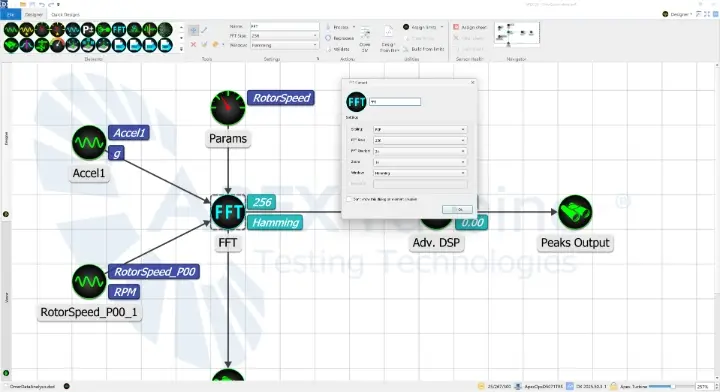
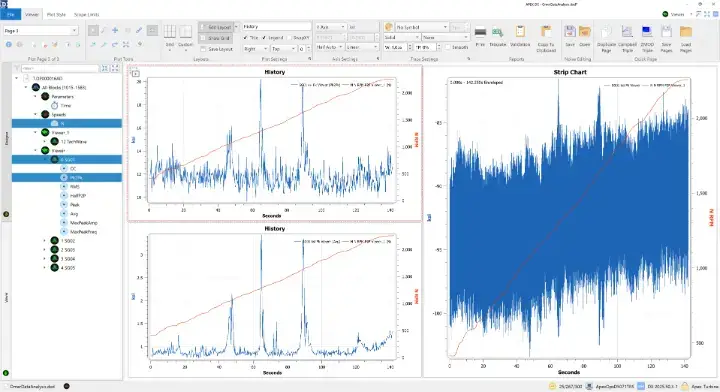
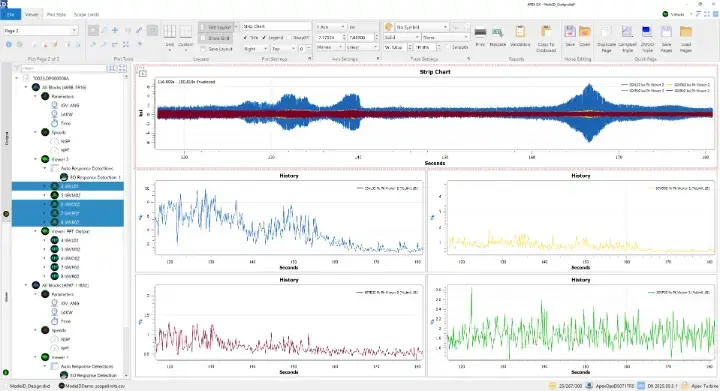
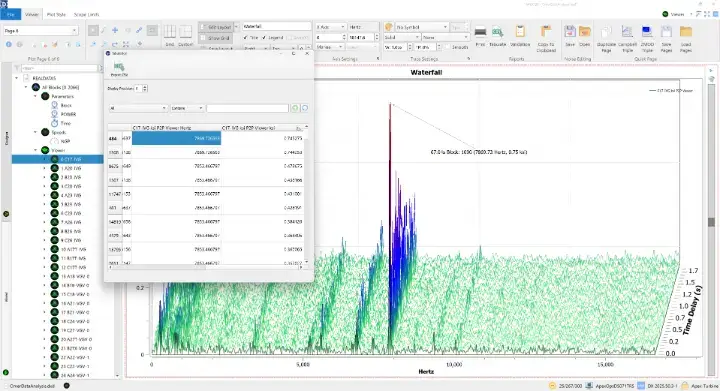
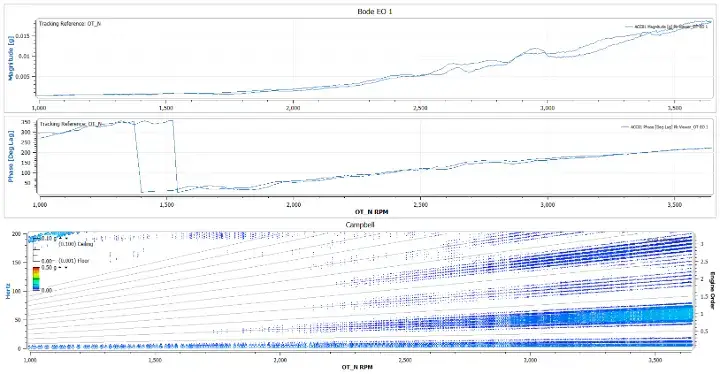
Using an intuitive designer/viewer workspace layout, engineers can set up reusable and sharable node-based processing pipelines, process data, and create instantaneously available plots in seconds. Processing in DX is optimized for processing large datasets of high sample-rate dynamic data (100KHz-5MHz+), processing multi-gigabyte files in minutes, and smaller files in seconds. Once processing is complete, plots are instantly available through a simple and effective drag and drop system, supplemented by powerful page duplication and premade layout tools.
FULLY
INTERACTIVE
VISUALIZATION.
REPORTS IN AN INSTANT.
With DX’s powerful quick page features, users can create hundreds of pages of plot layouts in a single click, covering every detail of every signal. And after pages have been created and analysis performed, plots can be easily shared through a variety of handy copy / paste features or printed to formatted reports – ready to share for review and certification. Furthermore, plot layouts can be saved for reuse on future runs or used as batch exporting templates for instantly formatted reports of every run in a test program.
EVEN EASIER WITH SUPPORT
DX has been designed from the ground-up for ease of use and reliability – to help engineers get their jobs done faster. But to help get off the ground, APEX provides training and free one year priority support for all new users.
FIND OUT HOW APEX CAN ENABLE
YOUR ENGINEERING SUCCESS TODAY